What each one actually does
A phone menu is a recording that offers choices: press 1 to book, press 2 for billing. After a choice the call goes to a number or a group, or the caller hears your opening hours.
- A classic keypad menu does not understand a free question like "can I come tomorrow after six?". It waits for a key.
- A classic menu does not book anyone by itself. It only passes the call to a person who may be busy.
- A simple menu is the same for everyone. A regular client and a new caller go through the same steps.
An AI receptionist holds a conversation in plain speech. It answers from the information you give it, checks open slots and books the visit. What it does not know goes to your staff.
- It has to be set up: services, hours, rules, what to say and when to bring in a person.
- It only knows what is in its data. New offers or schedule changes need updating.
- Its call recordings are worth reviewing, just like your front desk calls.
When a phone menu is enough
- Callers have two or three reasons to call, and they have not changed in years.
- Each option leads to a person or team who really picks up during business hours.
- Call volume is low, and almost all callers are regulars who know which key to press.
- The main job is to route calls between locations or teams, not to answer questions.
In that case, keep the system and make the menu shorter and more honest. The rules are below.
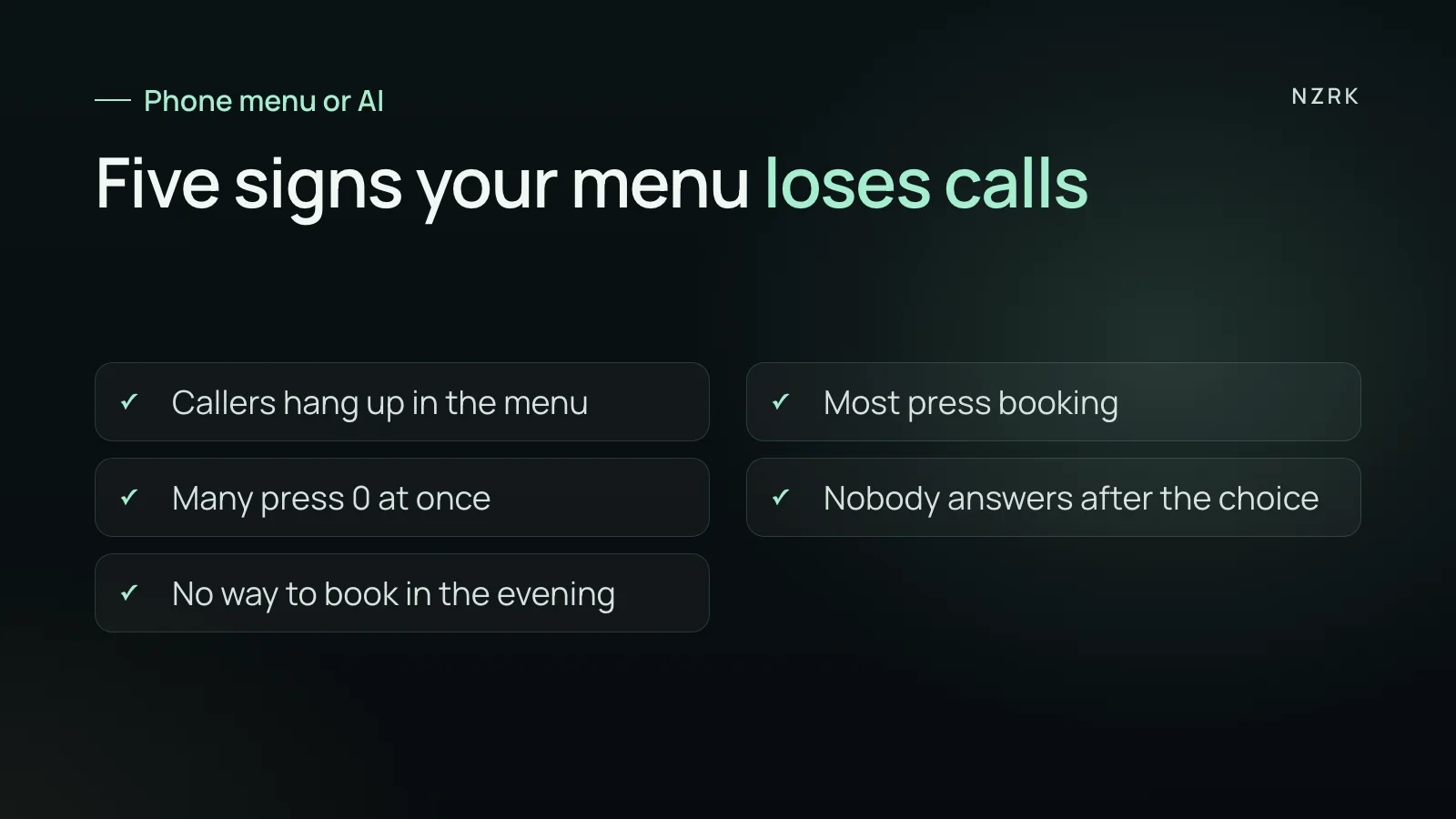
Five signs your menu is losing calls
- Some callers hang up inside the menu before they reach a person.
- Most callers pick the same option, usually booking.
- Many press 0 straight away or stay silent to reach a person.
- After choosing an option, nobody picks up at peak times anyway.
- Evenings and weekends, the menu only says you are closed, and there is no way to book.
Any of these signs means the menu gets in callers' way instead of helping. You can check it in a week.
How to test your menu in one week
- Open your phone system reports and find calls that ended in the menu. If there is no such report, ask your phone provider.
- Count one week: all inbound calls, calls that ended in the menu, and how often each option was chosen. If your phone system does not show it, count from recordings.
- Count evening and weekend calls separately.
- Listen to 20 call recordings and write down the reason for each call in one word.
- Compare the reasons with your menu options. If the most common reason is missing, the menu was not built around callers.
If your numbers look similar, the problem is not the keys. Most people call to book, and the menu cannot do that.
If you keep the menu: seven rules
- No more than three or four options and no submenus.
- Put the most common reason for calling first.
- Every menu has a way to reach a person, and it is named up front.
- Keep the greeting short: your name and the options, with no ads or website address.
- Use a separate message for evenings and weekends: when you will call back and where to book online.
- Every option leads to someone who answers. A dead option is worse than none.
- Once a month, check the phone report and listen to a few calls that ended in the menu.
Hybrid: a menu and an AI receptionist together
You do not have to change everything at once. You can keep the menu for departments and hand the "booking and questions" option to an AI receptionist. Another option is to let AI answer only when the line is busy or the office is closed.
That way you keep what works and test AI on the calls you are losing now. We covered what the phone system itself handles in phone systems and AI receptionists.
To hear what a call without a menu sounds like, you can try the AI receptionist demo. LumaDent is our demo dental practice, not a client. Score the call with the same call checklist you use for your front desk.
Decision table
- Two or three reasons to call and every line answers: keep the menu and shorten it.
- Most calls are about booking and prices: booking works better as a conversation than a keypress.
- Many calls after closing: a menu with opening times will not save them. Callers need an answer and a booking.
- Callers hang up in the menu: shorten it with the rules above and repeat the check a week later.
- Not sure which applies to you: start with the one-week check and let the numbers decide.
What is the difference between a phone menu and an AI receptionist?
A menu asks callers to press a key and passes the call on. An AI receptionist understands plain speech, answers questions from your information and can book the visit.
Can I keep my menu and add AI?
Yes. You can give AI only the "booking and questions" option or calls after closing. Leave the rest of the menu as it is.
How many options should a phone menu have?
Ideally no more than three or four, with no submenus and a way to reach a person in every menu.
How do I find out how many callers hang up in the menu?
Look in your phone system reports for calls that ended in the menu. If there is no such report, ask your phone provider.