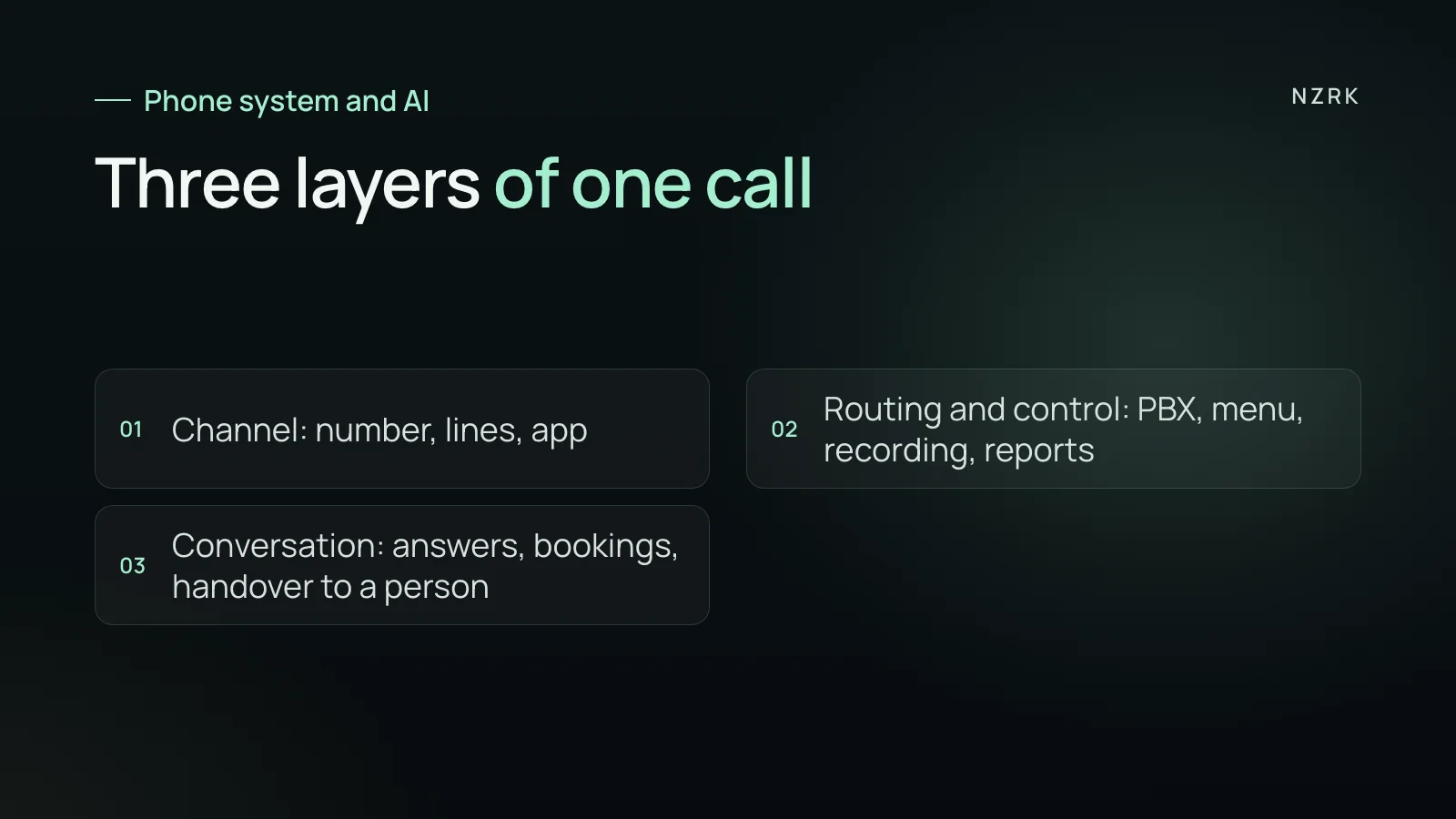
The three layers of every call
Every call into a business passes through three layers. Once you separate them, it is easy to see what you already pay for and what is missing.
- Channel: the number, how many calls it can take at once, the mobile app or desk phone. This decides whether the call gets through at all.
- Routing and control: the virtual PBX, phone menu, call queue, ring groups, call recording, reports and call tracking. This decides who gets the call and what you learn about it.
- Conversation: who answers, what they say and what they do next. Booking a slot, moving an appointment, answering a question about price or preparation.
Cloud phone systems are strong in the first two layers. The third has always been a person: the front desk or an office manager. An AI receptionist takes over that third layer.
What your phone system already covers
Features differ by provider and change often, so check your own provider's site. As an example, on 4 November 2026 the websites of two Ukrainian services, Binotel and Ringostat, listed the following.
- Binotel: a virtual PBX that joins the company's numbers, plus call recording. A separate missed calls tab keeps each missed call until someone calls back. Also CRM integration, call tracking and online chat.
- Ringostat: a virtual PBX with a phone menu and call queue, plus call tracking down to the keyword. Also a callback widget, AI speech analytics and call transcription.
If you have this set up, you already know how many calls came in, from where and how many were missed. That is a big part of the job, and there is no reason to duplicate it.
What a phone system does not do on its own
A classic PBX does not talk to customers for you. A "press 1 for bookings" menu routes the call. It cannot answer an open question like "can I come in tomorrow after six?".
The missed calls list shows who to call back, but a person still has to make the call. When the front desk is busy with someone in the room, the list grows. Meanwhile the customer dials the next business on their list. How to put a number on that is covered in our article on missed calls.
Analytics and transcripts show how a call went. They help you coach the team, but they do not answer the customer in the moment.
Where the line blurs
Phone providers are adding AI too. Ringostat, for example, lists an AI Voice Agent in the AI section of its site. So look past the product name and check what the system does in the third layer.
- Can it see your calendar and create or move a booking by itself?
- Does it know your services, prices, preparation steps and policies, and who keeps that up to date?
- Does it work in messaging and website chat, or only on calls?
- Does it tell callers up front that it is an AI assistant, and hand over to a person on request?
If your provider's built-in agent says yes to all four, it may be enough. If not, an AI receptionist is added on top of the phone system you already have. What goes into one is explained in what an AI receptionist is.
Decision table: what you actually need
- Callers hear a busy tone or get lost between numbers: start with the phone system, more simultaneous lines and a queue.
- You do not know which ads bring in calls: call tracking.
- Many missed calls and nobody free to call back: an AI receptionist, or at least a text after each missed call.
- The front desk answers the same questions all day and falls behind: an AI receptionist on the first line.
- You want to review how your team handles calls: recording, transcripts and analytics in the phone system.
- Customers message on Instagram, WhatsApp or your site as often as they call: check which messaging channels your phone provider covers. Binotel's online chat includes Viber and Telegram, Ringostat lists messenger communication. If the channel you need is missing, you need an AI receptionist with messaging.
How to combine them without paying twice
One option looks like this. Your number and PBX stay with your provider. Some calls go to the AI receptionist. For example, calls nobody picked up within a few rings, calls outside opening times or one branch of the phone menu. The exact connection depends on your provider and vendor.
The AI receptionist handles the conversation, books into the calendar and leaves a summary in your CRM. Recording, reports and call tracking keep running in the phone system. Your call stats stay in one place. To hear how this sounds in a live call, try the AI receptionist demo. LumaDent is our demo dental practice, so ask anything.
8 questions to ask a vendor first
- How does the AI connect to my number: call forwarding, SIP or an integration with my provider?
- Do call recordings and reports stay in my phone system?
- What does the caller hear if the AI is down or does not understand?
- How, and to whom, is the call handed over when a person is needed?
- Which calendar and CRM can the AI access, and what exactly can it change?
- Who updates prices, hours and answers, and how long does that take?
- Where are call recordings and transcripts stored, and who can access them?
- How will I see that the AI gave a wrong answer, and how do I fix it?
In the US, some states require every party to consent before a call is recorded. Ask how the vendor handles the recording notice. In the UK, call recordings that identify people are personal data under UK GDPR. Clear answers to these questions matter more than the name of the technology.
Do I have to leave my current phone provider to add an AI receptionist?
Usually not. Your number, PBX, recordings and reports stay where they are. The AI receptionist takes a share of calls and handles the conversation.
How is an AI receptionist different from a phone menu?
A phone menu asks callers to press a key. An AI receptionist understands normal speech, answers questions and can book the caller into your calendar.
Can I start with only some of my calls?
Yes, you can start that way. Staff answer as usual and the AI takes the calls nobody got to in time. You expand based on what you see.