What cannot be left without a person
Start with a list. During a normal week, write down everything your receptionist does each day. Mark what becomes a problem on the very first day without them.
- Incoming calls, and missed calls that need a call back.
- Messages from Instagram, WhatsApp, texts and your website.
- Booking, rescheduling and cancelling in your calendar or booking system.
- Reminders to clients about tomorrow’s appointments.
- Greeting clients at the desk and taking payment.
- Small things only they know: where the keys are, which practitioner runs late, who must not get an early slot.
The last item is the riskiest. Whatever lives in one person’s head is gone for as long as they are off.
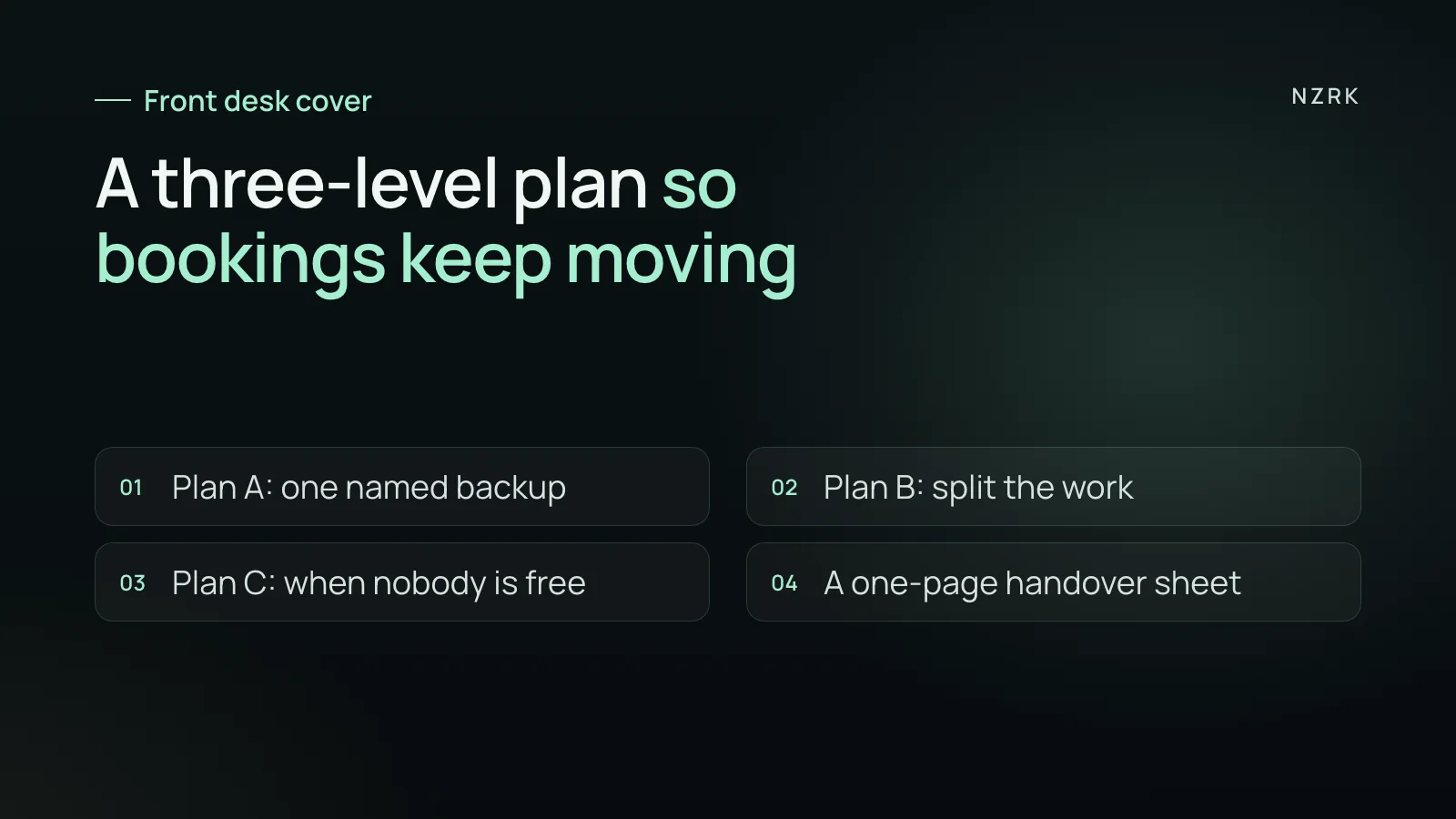
Plan A: one named backup
Pick a specific person to cover the desk. Not “someone on the team”, but a name. It can be a second receptionist, an assistant, a lead nurse or the practice manager.
- Agree in advance which of their own tasks wait while they cover.
- Give them access: the phone or call forwarding, messaging apps, the booking system, the payment terminal or till.
- Once a month, let them spend an hour at the desk while your receptionist is there.
- Agree how cover is paid, and check the paperwork with your accountant, payroll provider or HR adviser.
Plan B: split the work
If one person cannot carry it all, split the tasks. Two team members take calls and bookings in turns. Messages get answered three times a day at set hours. Send reminders automatically from your booking system if it can.
Plan C: when nobody is free
Sometimes two people are off at once, or a busy season lands on someone’s vacation. You need an option that does not depend on your own staff.
- Forward calls to the manager’s mobile during peak hours, if your phone provider or system supports it.
- An honest recorded phone greeting that says when you will call back and points callers to online booking on your website.
- An outsourced answering service, if you set it up in advance.
- An AI receptionist set up with your own information. It answers from it, books appointments if it is connected to your calendar, and passes on what it does not know.
Test your fallback before you need it. To hear what such a call sounds like, you can try the AI receptionist demo. LumaDent is our demo dental practice, not a client. We compared buttons and real conversation in phone menu or AI receptionist.
A one-page handover sheet
Ask your receptionist to fill it in now, while they are at work. Update it once a month.
- Access: where the logins for the phone, messaging, booking system and till are. Keep the passwords themselves in a password manager, not on paper.
- The practitioners’ schedule and who does which services.
- Answers to the ten most common questions: services, address, parking, how to prepare for a visit.
- Booking rules: how long each service takes, who must not get an early slot, when to take a deposit.
- Who to call with a difficult question and how to reach them.
- Open tasks: who needs a call back, which appointments still need confirming.
The morning your receptionist texts “I’m sick”
- Confirm who covers today and tell the team in one message.
- Turn on call forwarding or change the recorded phone greeting.
- Open the handover sheet and the list of open tasks.
- Go through missed calls and messages from the previous evening and reply to each one.
- Check today’s and tomorrow’s bookings, and send tomorrow’s reminders before lunch.
- At the end of the day, ask the cover person what is left and move it to the morning.
One rule while someone covers: no client goes without a reply. The reply can be short, but it has to happen. We covered how to set a reply standard in first response speed.
Scripts for clients
- Automatic reply to messages: “Hi, this is [name]. We got your message and will reply by [time]. You can also book online: [link].”
- Recorded phone greeting: “Thanks for calling [name]. Everyone is busy at the moment. We will call you back on this number within [time frame]. You can also book on our website.”
- When you call back: “Hi, this is [first name] from [name]. You called us earlier. How can I help?”
Only promise a time you can really keep. Say “by the end of the day” and keep it. That is better than a quick promise and silence until evening. In the scripts, set [time] and [time frame] no earlier than your next scheduled check of messages or calls.
Who should cover for a receptionist?
Someone you named and trained in advance: a second receptionist, an assistant or the manager. They need access to the systems and time freed from some of their own work.
What if you only have one receptionist?
Split the tasks between a few people for a few hours a day. Then add a fallback that does not depend on staff: call forwarding, an answering service or an AI receptionist.
How do you avoid losing clients on the first day of an absence?
In the morning, name the cover person and turn on forwarding or a new greeting. Then reply to every missed call and message from the previous evening.
What goes on a handover sheet?
Where the logins are, the practitioners’ schedule and answers to common questions. Add booking rules, who to call with hard questions and a list of open tasks.