How Google decides who to show
According to Google's help pages, local results are mainly based on three things: relevance, distance and prominence. Relevance is how well your profile matches the search. Distance from the searcher is not something you can change. Prominence is how well known your business is. Google looks at signals such as links to your website, review count and ratings.
So of the three factors, you control two directly: complete, accurate profile information and your reviews. That is what the checklist below covers.
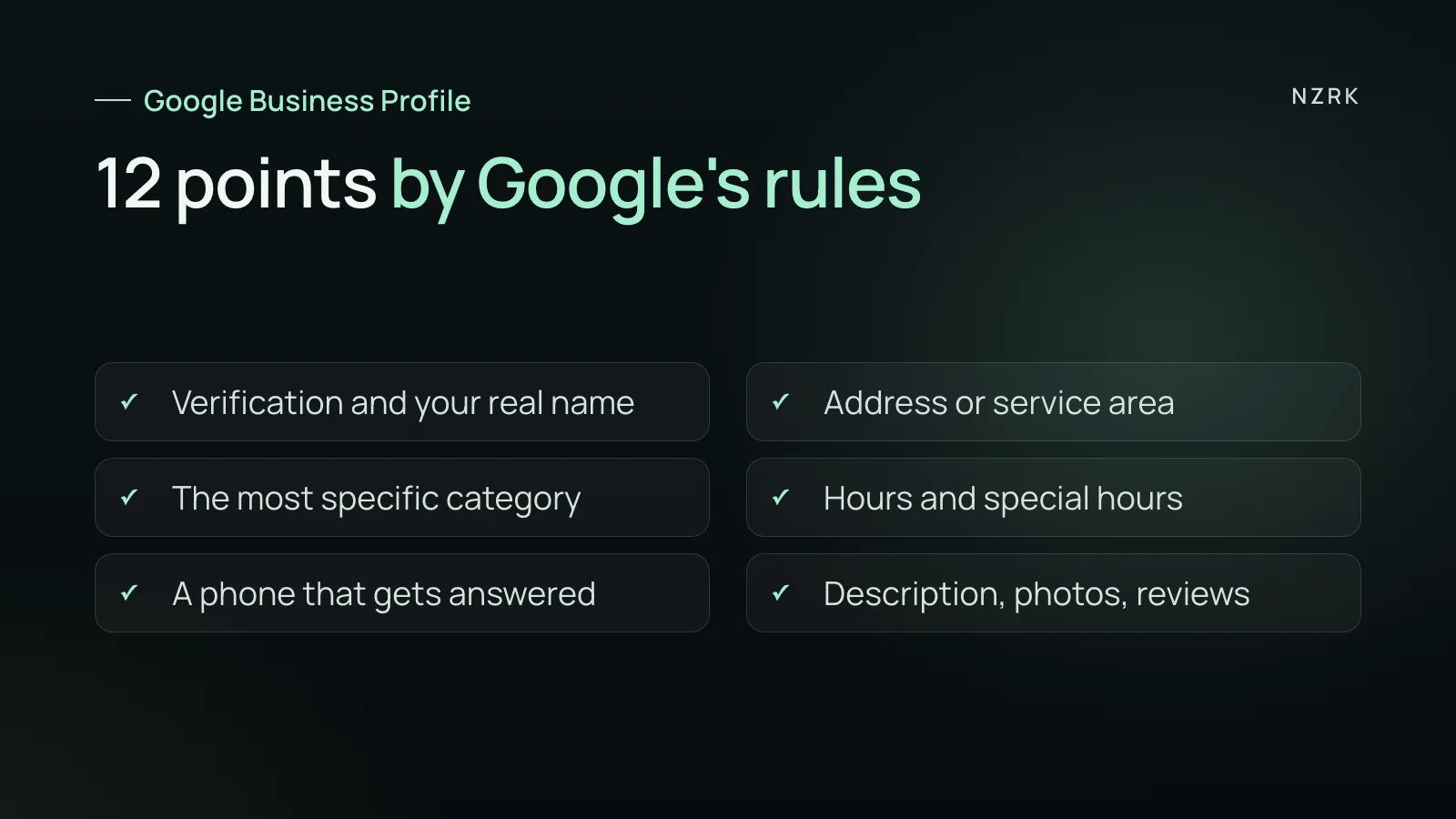
Checklist: the basics
- 1. The profile is verified. Google explains that verification shows you have the right to manage the business. That makes the profile more likely to appear in search results.
- 2. The name matches your signage and paperwork. No city, list of services, tagline, phone number or opening hours added to the name. Extra keywords in the name can get the profile suspended.
- 3. The address is exact, with suite or floor if needed. PO boxes and virtual offices do not qualify. One location, one profile.
- 4. If you travel to customers and do not serve them at your address, set a service area and hide the address.
- 5. The primary category is the most specific one available. Google's rule: use as few categories as possible. Each one should complete the sentence "this business is a [category]", not "this business has a [feature]".
- 6. Hours are the hours when people can actually visit or call. Before public holidays, such as bank holidays in the UK or Thanksgiving in the US, add special hours. For a seasonal break, mark the business as temporarily closed.
Checklist: what the customer sees
- 7. The phone number goes to this location and you control it. Google recommends a local number instead of a central call center helpline where possible.
- 8. The website link goes to your own business site, with no redirects to pages that do not belong to your business. If your profile offers a field for a booking link, add one.
- 9. Attributes are filled in: parking, Wi-Fi and other details, where they are true.
- 10. The description covers your services, approach and history, up to 750 characters. No links, promotions, prices or discounts: Google's rules do not allow them in the description.
- 11. Photos and videos are real: the entrance, how to find you, the room, the team with their consent, your work. Google's help pages suggest showing photos and videos of what you offer.
Checklist: trust
- 12. Reviews and replies. Google says that more reviews and positive ratings can help your local ranking. Replying to reviews shows customers you value their feedback.
How to ask for reviews without breaking the rules is covered in how to get more Google reviews. Reply templates for criticism are in how to reply to a negative review.
The profile brings calls. Who answers them
A person can call you straight from the profile. So check points 6 and 7 together. During every hour your profile says you are open, someone should pick up or at least call back. If the profile says you are open and the phone just rings, the caller may try the next business in the list. Why a missed call can cost you a customer is explained in missed calls.
A simple test: call your profile number from an unfamiliar phone. Do it once at peak time and once half an hour before closing. If nobody answers or calls back even once, the problem is not the profile. Want to see where else inquiries slip through? Take the free AI audit: AI will show where requests get lost and what to fix first.
What not to do
- Do not add keywords, a city or a service to the name unless they are part of your real name.
- Do not use a number that redirects people somewhere else, or a premium-rate number.
- Do not put promotions, prices or links in the description.
- Do not use categories as keywords: a category says what the business is, not every service it offers.
- Do not trust calls or emails offering to boost your Google ranking for a fee. Google states that there is no way to request or pay for a better local ranking.
A short monthly review
- Do the hours on the profile match your real hours, and are special hours set for the next holidays?
- Does the profile phone number get answered during those hours?
- Has anyone changed the name, address or category? Users can suggest edits too.
- Are there new reviews without a reply?
- Are photos and services still current after changes to your menu of services or your team?
Can I pay Google to rank higher on Maps?
No. Google states that there is no way to request or pay for a better local ranking. What counts is relevance (a complete, accurate profile), distance and prominence, including reviews.
Can I add my city or a service to my profile name?
Only if it is part of your real name on your signage. Otherwise it breaks the guidelines and the profile can be suspended.
What if we have no office and travel to customers?
Create a service-area profile and hide your address. One business gets one such profile.
How often should I update the profile?
Right away when hours, phone, address or services change, before every holiday, and a short monthly review using the list above.