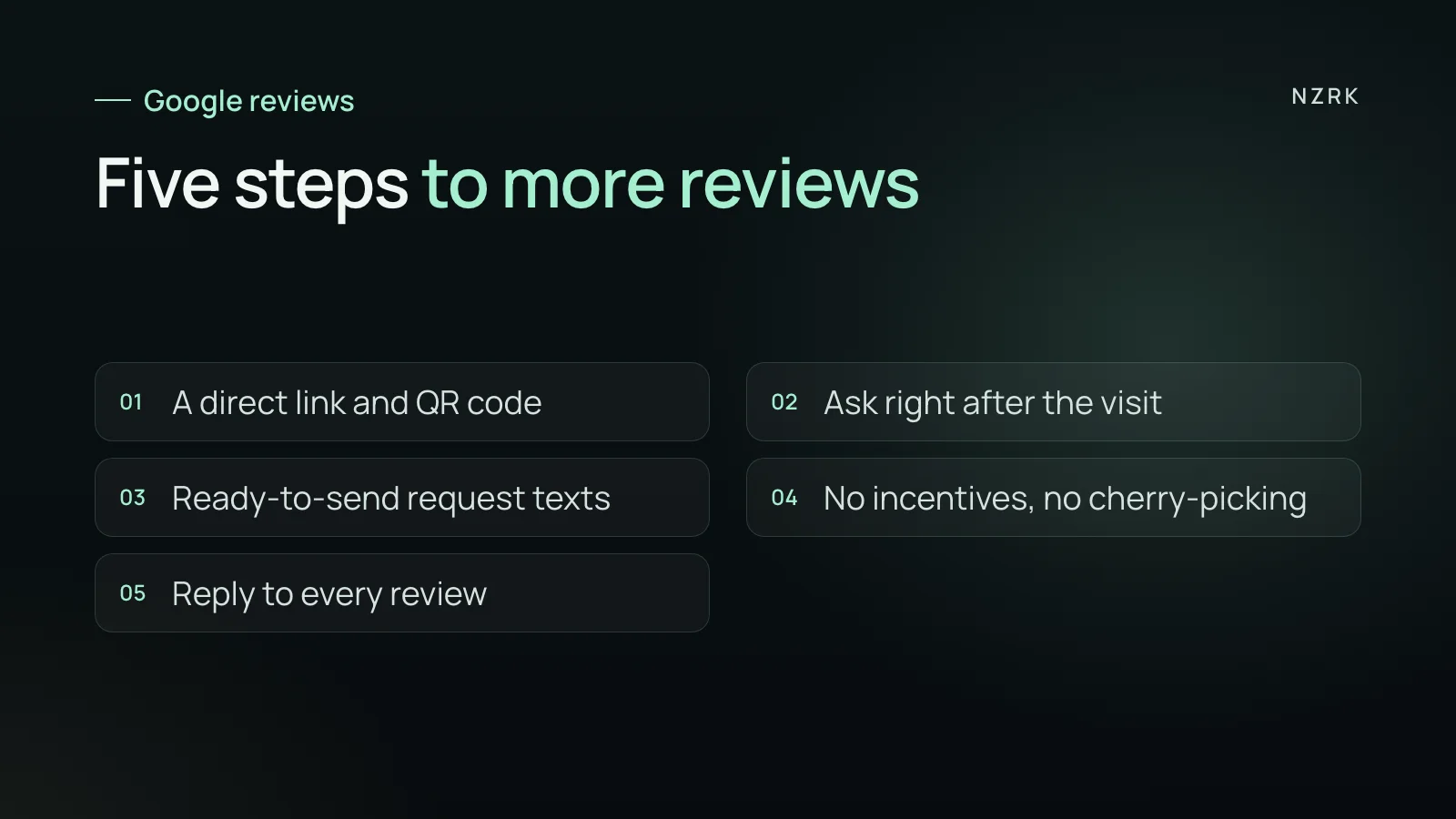
Why happy customers don't leave reviews
A customer leaves satisfied and never writes a review. Usually that has nothing to do with your service. People simply don't think about reviews until someone asks. By the evening, they'd have to find your profile in Maps, scroll to reviews, tap the button and decide what to say. Any of those steps is a reason to put it off.
So the job is not persuasion. The job is to ask at the right time and make leaving a review a single tap.
Step 1. A direct link and a QR code
Google lets you ask customers to visit a link or scan a QR code that opens your business's review form directly. The Google Business Profile help center explains how to get it. Save it once and use it everywhere:
- in the follow-up text or email after the visit;
- on a card or sign at the front desk as a QR code;
- in the footer of your confirmation or receipt email;
- on a "Leave us a review" page on your website.
Customers need a Google Account to post a review, and they can create one with a non-Gmail email address. Don't tell people they need a Gmail address.
Step 2. The right moment
- The best moment is right after the service, while the visit is fresh. A spoken ask from the front desk or the technician often lands better than an automated message. Ask every customer, not just the ones who say thank you.
- Send the link the same day.
- One reminder two or three days later if there's no review. No more than that: persistence annoys people.
- If a customer complains to you in person, fix it straight away and separately. But send the review request on the same rule as everyone else.
Step 3. Four request templates
At the front desk: "Thanks for coming in. If you have a moment, would you mind leaving us a quick Google review? Here's the QR code, it takes about a minute."
Follow-up text: "Hi [Name], thanks for visiting [Business]. We'd value your honest opinion, good or critical: if you have a minute, you can leave a Google review here: [link]. If you'd like to talk something through, just reply to this message."
Reminder: "Hi [Name], just a quick reminder about the review if you have a minute: [link]. If now's not a good time, no problem, thanks for choosing us."
For a clinic or practice: "Thank you for choosing [Practice]. We'd be grateful for a Google review: [link]". Keep any treatment or condition out of the message: someone else may see the phone. In the US, check your texting process with whoever handles HIPAA compliance for your practice.
Step 4. What not to do
- Offer a discount, freebie, credit or prize draw in exchange for a review. Google treats incentivized reviews as fake and prohibits them. In the US, the FTC rule on fake reviews also bans incentives that are conditioned on a review expressing a particular sentiment.
- Ask only customers who seem happy, or ask for a rating first and send only five-star customers to Google. Google prohibits selectively soliciting positive reviews. Ask everyone the same way.
- Write reviews yourself in a customer's name, invent them, or buy them. Reviews must reflect a genuine experience. In the UK, fake reviews have been a banned practice since 6 April 2025. The law is the Digital Markets, Competition and Consumers Act 2024.
- Ask someone to change or remove a negative review in return for compensation.
Step 5. Reply to every review
Google recommends replying to reviews. Reply to both positive and negative ones: a reply shows future customers that feedback doesn't disappear into a void. For a positive review, two sentences are enough: thank them and mention something specific they wrote. For the hard ones, see our formula and templates for negative reviews.
Turn the request into a system
Requests work when they go out after every visit, not whenever someone at the front desk remembers. The simplest setup is to tie the message to a completed appointment in your calendar or CRM. Then it goes out automatically, with the same wording and a single reminder. That kind of automatic request can be set up around your booking system.
Not sure which automation to start with? Take the free AI audit: a few quick questions, and AI shows where requests get lost and what to automate first.
What to track each month
- How many customers received a request.
- How many new reviews appeared that month.
- The share of reviews among people who were asked.
- How many reviews are still without a reply.
Can I give a discount for a review?
No. Google's rules prohibit offering free or discounted goods or services in exchange for reviews, and such reviews are treated as fake. Thank people with words and good service.
How many reminders are OK?
One reminder two or three days later is enough. If they don't respond, let it go.
Can I ask only my happy customers?
Don't. Ask everyone the same way: Google prohibits selectively soliciting positive reviews. Honest, balanced reviews can help potential customers decide.
What if the customer doesn't have a Google Account?
Let them know they can create one with an email address that isn't Gmail. If they'd rather not, don't push: invite them to send you feedback directly.