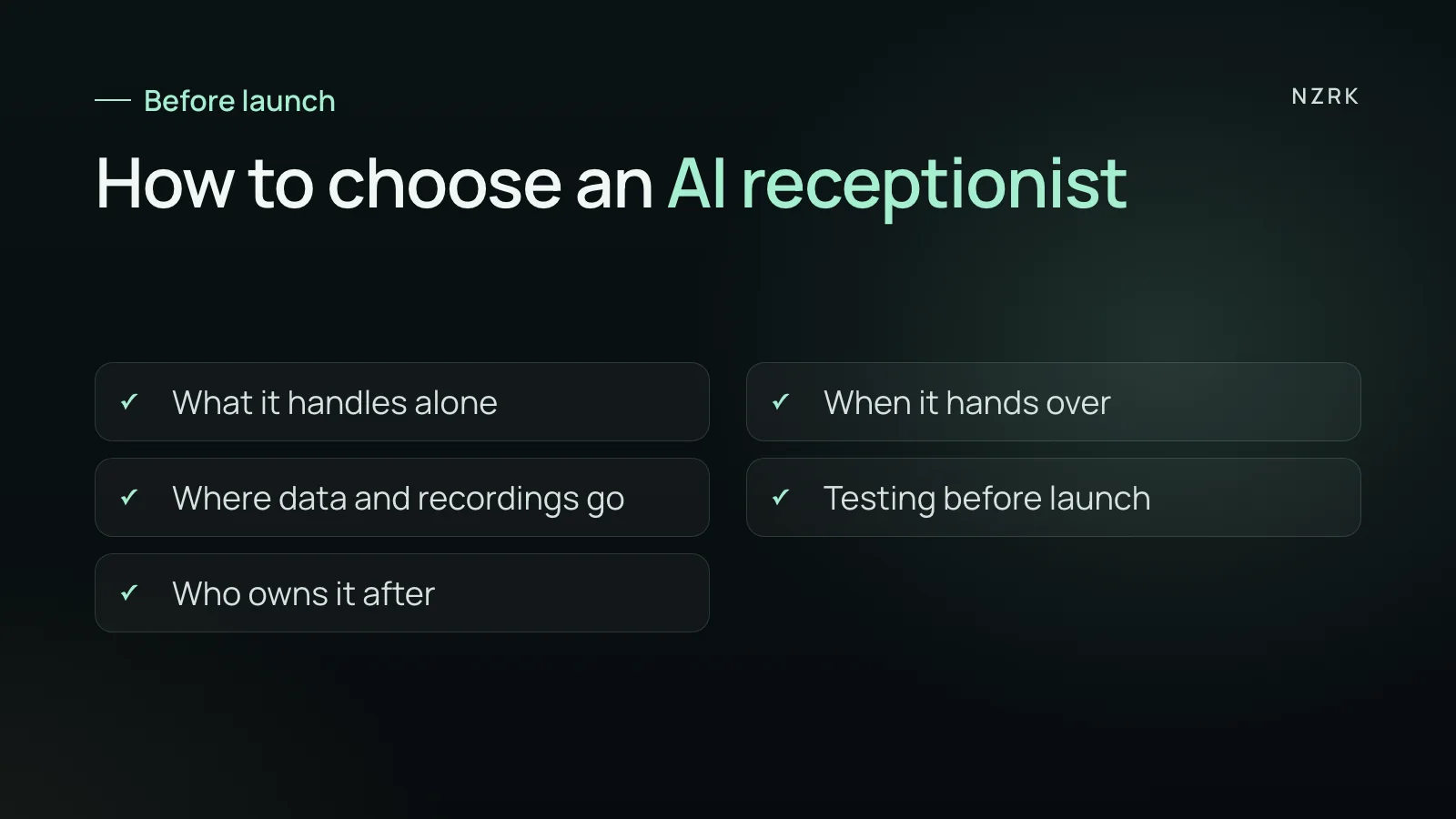
How to use this list
The point is not to grill the vendor. The questions show whether the system fits your business and whether surprises are waiting a month in. New to the idea? Start with what an AI receptionist is and come back to the list.
Get the answers in writing. Anything you can check with a call, check with a call. Anything that can be neither shown nor written into the contract is a promise, not a feature.
1. Scope: what it actually does
- Which requests does it fully resolve, and which does it only take and pass to a person? Good answer: a concrete list, for example booking, rescheduling, address and opening hours; everything else goes to your front desk.
- Does it book straight into the calendar, or create a request that a person confirms? Both work; you need to know which one you are getting.
- Where do its answers about services, prices and hours come from, and who keeps them up to date? Good answer: your own knowledge base, which you can see and edit.
- What does it say when a question is not in the knowledge base? Good answer: it does not make things up; it says it will check and passes the question to a person.
2. Handoff to a person
- When does a conversation go to a person: the caller asks, complains, the matter is urgent, or the AI has misunderstood twice?
- How does the handoff work: a live transfer, a summary in Slack, email or your CRM, a callback task?
- What happens at night and on weekends when nobody is in? Good answer: the caller hears how they will be contacted, and the request is saved, not lost.
- For clinics: what does it do if a patient describes severe pain or symptoms that need urgent care? Good answer: no medical advice and no diagnosis. It follows your protocol and directs the caller to a clinician or to emergency services such as 911 or 999.
This group is easiest to test by voice, not on slides. One way is to talk to an AI receptionist demo: LumaDent is a fictional demo dental clinic, so ask anything. Ask it to pass you to a person. Ask something that is surely not in its knowledge base, and listen to what happens. The demo shows the voice conversation; test a full handoff separately in your own pilot. The demo page already says it is AI, so the call itself does not open with that. Callers to your number see no such page, so check that your system says it out loud.
3. Data, recordings and the law
- Are calls recorded, where are recordings stored and for how long? Who on your side and on the vendor's side can access them?
- Do callers know they are talking to AI? Good answer: yes, it says so at the start of the call. In the EU, this has been an AI Act requirement since 2 August 2026. AI systems that talk to people must tell them they are dealing with AI, unless that is obvious. The duty sits mainly with the system provider, so check how your vendor handles it.
- Who owns the recordings and the knowledge base, and what happens to them if you leave? Good answer: export on request and deletion within an agreed time.
- Recording consent: who tells callers the call is recorded? In the US, rules vary by state, and some states require consent from everyone on the call. In the UK, data protection law expects callers to be told about recording.
- For US healthcare providers covered by HIPAA: ask the vendor for a business associate agreement. In the UK, health data is special category data under UK GDPR, so ask for a written processing contract. Also ask which third parties hear the call: telephony, speech recognition, the language model.
4. Testing before launch
- Can you call it yourself before launch with your customers' real questions, including the awkward ones?
- How does it handle names, dates and phone numbers? Good answer: it reads key details back and asks the caller to confirm.
- Which languages and accents do your customers use, and how does it cope when someone switches language mid-call?
- What happens if the calendar or CRM is down? Good answer: it does not promise a specific time; it takes the request and alerts a person.
5. After launch
- What do you see each day: recordings, short summaries, new requests, calls handed to a person?
- Who changes the script, and how fast, when your hours, services or booking rules change?
- How will you measure results after a month? Good answer: a few numbers you can count today. The share of missed calls, requests outside business hours, time to first response. Count them before launch, or you will have nothing to compare against.
Red flags
- They promise the AI never makes mistakes.
- They will not let you call and hear the system before you sign.
- They cannot say where recordings are stored or who can see them.
- They suggest hiding from callers that they are talking to AI.
- They quote percentage gains in bookings but cannot explain where the figures come from.
How to collect the answers in one day
Set up a table with three columns: question, vendor's answer, checked on a call. Send the questions in writing first, then book a test call and go through groups 2 and 4 by voice. If you are comparing two vendors, ask the same questions and call with the same scenarios.
An empty cell in the checked column does not always mean a bad system. But those are the points to write into the contract or the pilot plan. Then nobody argues a month later about what was promised.
Which questions matter most if I am short on time?
Start with five. What it resolves on its own and when it hands over to a person. Where recordings are stored. Whether you can call it before launch and how you will measure results.
Do I need a lawyer?
For a clinic, show the data and recording questions to someone who knows data protection and, in the US, HIPAA. For other businesses, the vendor's written answers and the contract are usually enough.
Can I start with only some calls?
Yes, many businesses start small: for example with calls outside business hours or repeat requests. The risk is lower and the result is easier to compare.